
The Complete Guide to Apparel Mockups for Your Clothing Brand
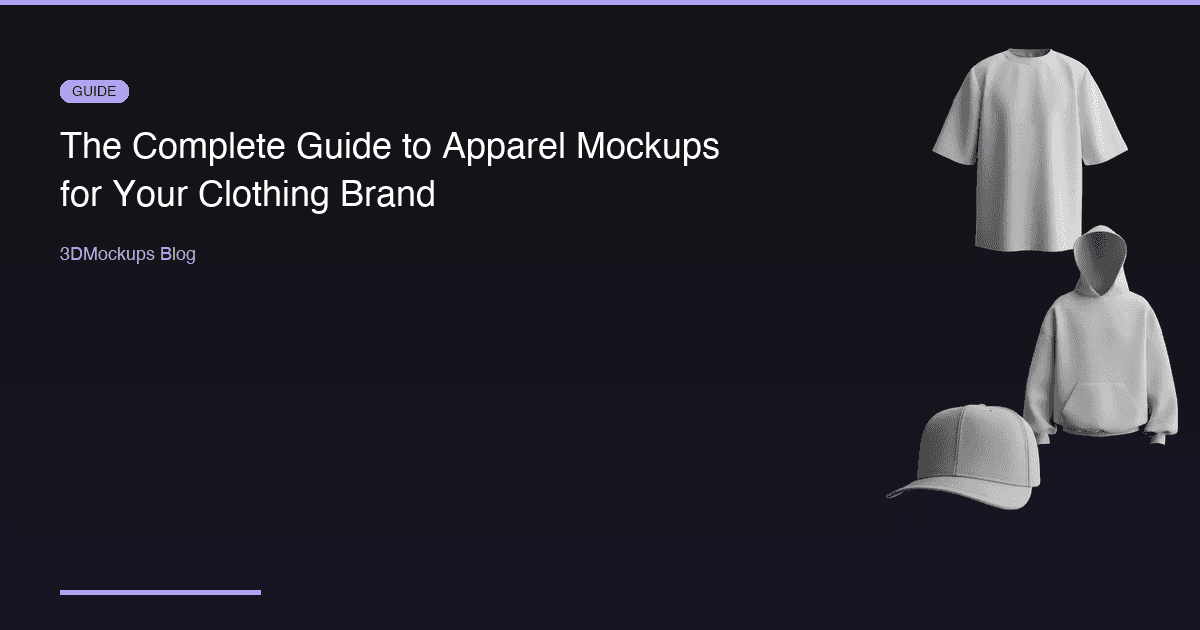
Whether you are launching a streetwear label or scaling an established brand, apparel mockups are essential for every stage of your business. They are the bridge between your creative vision and how customers perceive your products. This guide covers everything you need to know to create mockups that sell.
What Are Apparel Mockups?
Apparel mockups are visual representations of your clothing designs on realistic garment models. They bridge the gap between a design file and a finished product, letting you visualize, present, and sell your designs before manufacturing a single unit.
In the early days, mockups meant physical samples photographed on models. Then came Photoshop templates — flat images with smart object layers where you could drop in your design. Today, 3D mockup generators represent the latest evolution, producing photorealistic results in seconds without any manual editing.
The quality of your mockups directly impacts your sales. Research consistently shows that product imagery is the single most important factor in online purchase decisions, outranking price, reviews, and even brand recognition for first-time buyers. When a customer cannot physically touch your product, the mockup is their entire sensory experience.
Types of Apparel Mockups
T-Shirt Mockups
T-shirts are the most popular apparel category for mockups, and for good reason. They are the entry point for most clothing brands, and the variety of available mockup styles reflects the diversity of the market.
Available styles include:
- Oversized — the go-to for streetwear brands. The relaxed silhouette, dropped shoulders, and generous fit communicate a specific aesthetic that resonates with younger demographics. This is consistently the most-used model on platforms like 3DMockups.
- Fitted — a classic silhouette that works for mainstream and premium brands. The closer fit shows design placement more precisely.
- On hanger — a clean, minimal look that puts the focus entirely on the design. E-commerce platforms like Shopify and Etsy recommend this style for product listings because it presents the garment in a standardized, easy-to-compare format.
- Flat lay and packed — lifestyle-oriented product shots that show the garment folded or laid on a surface. Popular for Instagram and Pinterest content where editorial-style photography performs best.
- Walking pose — dynamic mockups that add motion and energy. The walking animation creates content that stands out in social media feeds and gives customers a better sense of how the garment moves.
- Rock pose — an edgy, expressive stance perfect for band merchandise, festival wear, and brands with bold personalities.
Hoodie Mockups
Hoodies are the second most popular apparel category, essential for fall and winter collections. Hoodie mockups need to capture specific details that t-shirt mockups do not — the hood itself, the kangaroo pocket, ribbed cuffs, and the heavier fabric weight.
Available styles include:
- Front-facing — the standard product shot showing off chest prints and embroidery. The hood framing the neckline creates a distinctive silhouette.
- Walking pose — dynamic lifestyle shots that show how the hoodie moves and drapes. The heavier fabric creates more dramatic folds and movement than a t-shirt.
- Rock and outdoor setting — a rugged, adventure-brand aesthetic. These mockups communicate outdoor lifestyle and pair well with brands that target an active audience.
Cap Mockups
Headwear is a growing category with strong demand for realistic mockups:
- Front panel — the most common cap mockup, showing logo placement on the front panel. Critical for embroidered or printed cap designs.
- 3D rotation — see the full cap from every angle, including the brim profile and back closure.
Mug Mockups
Expanding beyond apparel, mug mockups serve the print-on-demand and merchandise market:
- Full wrap — show your design as it wraps around the full circumference of the mug
- Handle view — display the mug from the classic coffee-cup perspective
Best Practices by Channel
For E-Commerce
E-commerce platforms have specific requirements and conventions that your mockups should follow:
- Use white or neutral backgrounds for marketplace listings on Amazon, Shopify, and Etsy. These platforms have image guidelines, and clean backgrounds ensure compliance and a professional appearance.
- Show multiple angles — front, back, and detail shots. The more information a customer has, the more confident they feel about purchasing. Aim for at least three to five images per product listing.
- Include size reference by using models with realistic proportions. An oversized t-shirt on a well-proportioned 3D model immediately communicates the intended fit.
- Export at minimum 2000 by 2000 pixels for zoom functionality. Most e-commerce platforms support product image zoom, and low-resolution images look blurry when zoomed.
- Maintain visual consistency across your entire product line. Use the same lighting, angle, and style for every product so your store looks professional and cohesive.
- Show colorways separately — create a unique mockup for each color option rather than using a color swatch. Customers want to see the actual product in the color they are buying.
For Social Media
Social media demands a different approach than e-commerce:
- Use dynamic poses like the walking models for Instagram and TikTok. Static product shots get lost in social feeds, but motion and personality stand out.
- Animated mockups such as rotating or walking exports get three times more engagement than static images on average.
- Match the mockup background to your brand aesthetic. If your brand uses dark, moody tones, your mockups should reflect that visual identity.
- Create carousel posts showing different colorways. Carousel posts have higher engagement rates than single images on Instagram.
- Short video loops work exceptionally well on TikTok and Instagram Reels. A rotating 3D mockup or walking animation captures attention in the first second.
- Optimize for vertical format — most social media is consumed on phones in portrait orientation.
For Client Presentations
When presenting to clients, wholesale buyers, or investors:
- Present designs in context — not just flat files. A 3D mockup in a realistic setting communicates professionalism and attention to detail.
- Show multiple colorways side by side to demonstrate the range of a collection.
- Include close-up details of print quality and fabric texture.
- Use video exports for pitch decks. A short animation loop adds energy to a presentation and shows your designs in their best light.
- Prepare comparison slides showing your design on different garment types to demonstrate versatility.
Common Mistakes to Avoid
1. Low-resolution artwork — pixelated designs look unprofessional and undermine trust. Always use source files at 2000 by 2000 pixels or higher. 2. Wrong garment color — always match your actual product. A small color mismatch between mockup and real product leads to returns and negative reviews. 3. Ignoring fabric texture — flat overlays that do not interact with the garment surface look fake. This is why 3D mockups are superior to Photoshop composites. 4. Single angle only — show at least three perspectives. Customers who see more angles are more likely to purchase. 5. No context — lifestyle settings outperform blank backgrounds for social media and marketing. Save the clean backgrounds for e-commerce listings. 6. Inconsistent styling — mixing different mockup styles, lighting conditions, and backgrounds across your product line makes your brand look disorganized. 7. Oversized designs on small garments — a design that fills the entire front of a t-shirt might look overwhelming on an actual garment. Use the 3D preview to check proportion. 8. Forgetting mobile — most of your customers will see your mockups on a phone screen. Preview your exports at mobile size to ensure the design reads clearly.
The 3DMockups Workflow
Creating professional apparel mockups with 3DMockups follows a simple five-step process:
1. Select your garment from 11 and growing models — oversized tees, hoodies, walking poses, caps, mugs, and more 2. Upload your design as a transparent PNG — the 3D engine maps it onto the fabric surface automatically 3. Customize colors, placement, and angle — change the garment color, reposition your design, and orbit to find the perfect perspective 4. Export high-resolution stills or video — standard and 4K options available 5. Use everywhere — website, social media, marketplace, pitch deck, email campaigns
No design skills required. No expensive software. No photoshoots. Just upload your artwork and create professional product visuals in under a minute.
Building a Mockup Workflow for Your Brand
The most efficient approach is to build mockup creation into your design process from the beginning. When you finish a new design, the next step should be generating mockups — not as an afterthought, but as part of your standard workflow.
Create a consistent mockup template for your brand: decide on your standard angles, your preferred garment colors, and your export settings. Then apply that template to every new design. This consistency speeds up production and gives your brand a cohesive visual identity across all channels.
Consider creating a mockup library for your brand — a collection of your best product images organized by category, season, and use case. This library becomes an asset that your marketing team, social media manager, and sales team can all draw from without needing to create new mockups from scratch.
Ready to create your first mockup?
Try 3DMockups Free