Cursor + 3DMockupsMCP server

Design and sell merch from Cursor

Install 3DMockups in Cursor and ask the agent for merch next to your code. It designs, renders in 3D and puts products on sale when you approve.

  • One-click install link, or three lines in mcp.json
  • OAuth sign-in with your 3DMockups account, no API key
  • Every 3DMockups tool in the Cursor agent
Cursor3DMockups

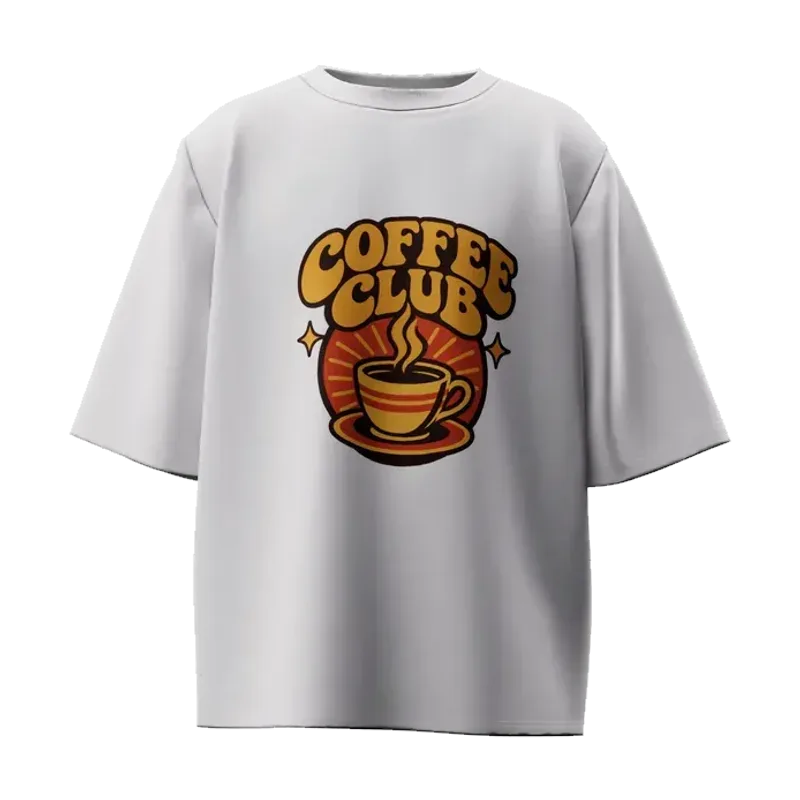
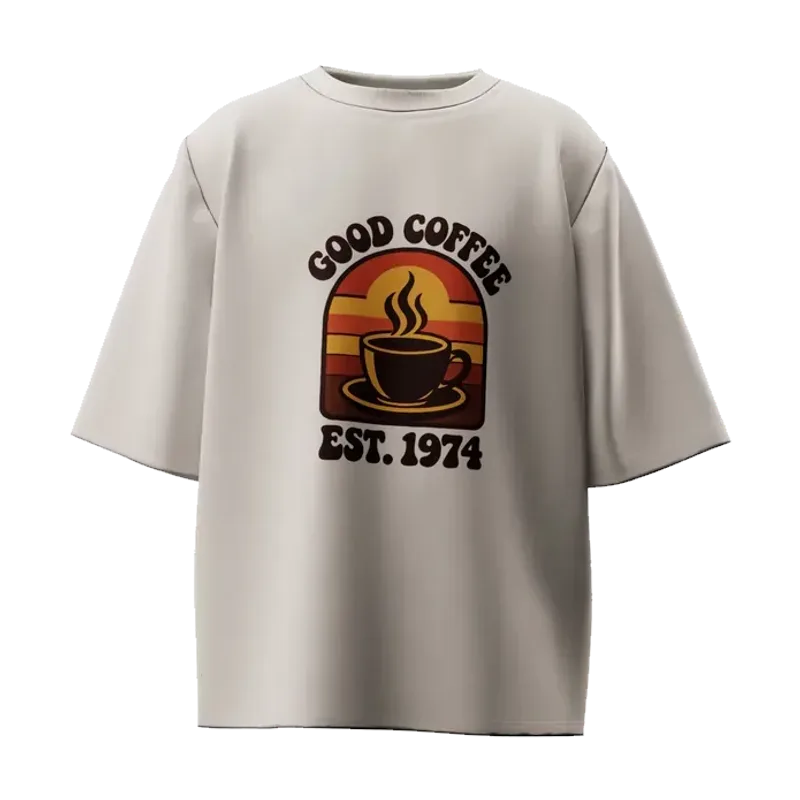
Make two tees for our hackathon team, and show me both in 3D.

Here they are in real 3D on a white and a cream oversized tee. Want me to create them as hidden drafts in your store?

3D preview: Coffee Club graphic on a white oversized tee3D preview: Good Coffee Est. 1974 graphic on a cream oversized tee
via 3DMockups · generate_designs · preview_product

How do I install 3DMockups in Cursor?

Use the install link, or add our server to mcp.json yourself. Cursor then asks you to sign in to 3DMockups.

1 Connectunder a minute
  1. 1
    Open the install link

    Cursor opens with the 3DMockups server filled in. Confirm Install.

    Add 3DMockups to Cursor
  2. 2
    Or add it to mcp.json

    Use ~/.cursor/mcp.json for every project, or .cursor/mcp.json for one.

    mcp.json
    {
      "mcpServers": {
        "3dmockups": { "url": "https://app.3dmockups.app/api/mcp" }
      }
    }
  3. 3
    Sign in when Cursor asks

    In Settings, under MCP, choose to log in to 3dmockups, sign in and choose Allow.
2 AskLive in your store

Talk to Cursor like you would to a designer. It asks before anything goes public.

Make two tees for our hackathon team, and show me both in 3D.

Here they are in real 3D on a white and a cream oversized tee. Want me to create them as hidden drafts in your store?

via 3DMockups · generate_designs · preview_product

Also try

  • Design a tee for our hackathon team with the logo in /public on the front
  • Put the hoodie on sale in my store as Night Dragon Hoodie for $59
  • Make a small coffee cup logo for the left chest of a black tee and a big version on the back

One request in Cursor. Every product you sell.

Ask once and Cursor designs it, shows it on real 3D garments and puts it on sale in your 3DMockups store, Shopify or WooCommerce. We print and ship every order.

What can Cursor do with 3DMockups?

Every 3DMockups tool, from the first design to the payout. The tool names are what you see in Cursor.

  • Design with AI

    Print-ready graphics, patterns and type from a short brief, or your own artwork.

    generate_designssave_design

  • Real 3D product photos

    Your design on the actual garment we print, from seven angles, right in the chat.

    list_garmentspreview_product

  • Print where you want it

    All-over, or just the front, the back or the left chest, at the size you ask for.

    create_productsave_design

  • Sell in your store

    Creates the product with sizes and print files. It goes live only after you confirm.

    create_productedit_productlist_my_products

  • A storefront designed for you

    Fin, our AI store designer, redesigns your store from a reference. 3DMockups Premium.

    design_storepublish_store

  • Shopify

    Publishes your products to the Shopify store you already run. We print every order.

    connect_shopifypublish_to_shopify

  • WooCommerce

    Sends a live product to your WooCommerce store with a price per size. 3DMockups Premium.

    publish_to_woocommerce

  • Redesign live products

    Swaps the design of something already on sale. New 3D photos, same product and link.

    redesign_product

  • Answer your buyers

    Reads customer messages and drafts replies. You confirm before anything is sent.

    list_conversationsreply_to_conversation

  • Prices and profit

    Production cost, minimum price and your profit per size, before you set a price.

    quote_pricing

  • Sales and stats

    Orders, views, conversion and earnings per product and channel, for any period.

    get_salesget_product_statslist_orders

  • Payouts

    What you earned, what is on its way and when you get paid. It never moves money.

    get_payouts

Publishing, deleting and sending always wait for your confirmation. See every tool →

What can you ask Cursor?

Copy one of these into Cursor once 3DMockups is connected.

  • Team merch

    “Design a tee for our hackathon team with the logo in /public on the front”

  • Sell it

    “Put the hoodie on sale in my store as Night Dragon Hoodie for $59”

  • Print on one spot

    “Make a small coffee cup logo for the left chest of a black tee and a big version on the back”

  • Check the numbers

    “Which product sold best this month, and what did I earn?”

  • Prices first

    “Quote a hoodie at $59: production cost and my profit per size”

Cursor designs it. We print and ship it.

Every order is made on demand in our own production and shipped straight to your customer. No inventory, no upfront cost. You set the price and keep the profit.

What you see is what we print
The 3D photos come from the same garment and print file we produce.
Sell anywhere
Your 3DMockups store, Shopify and WooCommerce. Orders flow to us automatically.
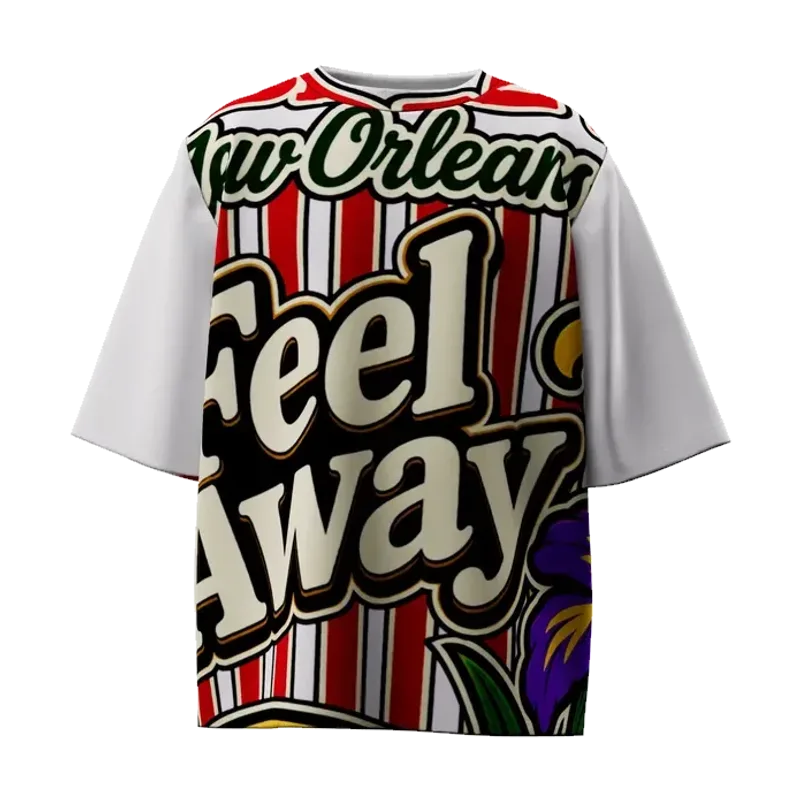
  • Coffee Club oversized tee in real 3D
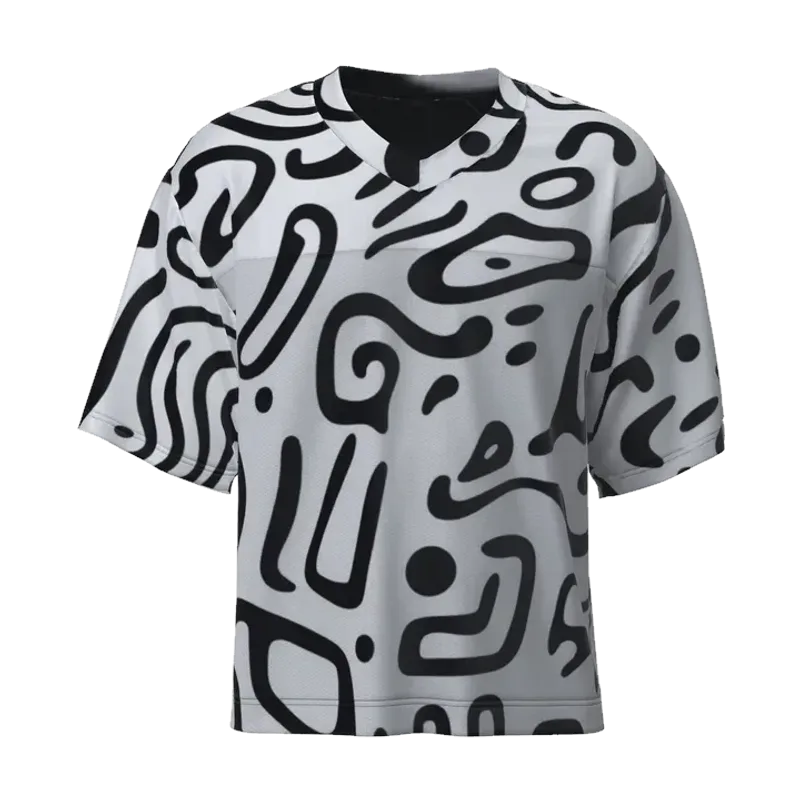
  • All-over print tee in real 3D
  • All-over print football jersey in real 3D
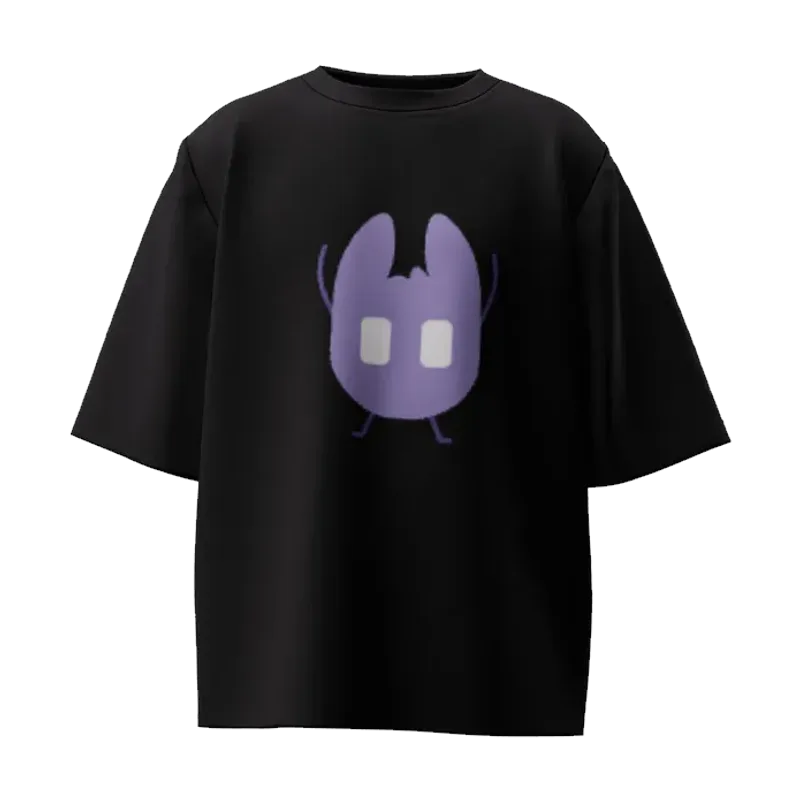
  • Black oversized tee with a mascot in real 3D

What is Cursor?

Cursor is an AI code editor. Its agent can read your project, edit files, run commands and call MCP tools from the servers you install.

With 3DMockups installed, the Cursor agent can also create designs, show them on real garments in 3D and manage your store, without leaving the editor.

Cursor and 3DMockups: questions

Something else? support@3dmockups.app

How do I install 3DMockups in Cursor?

Open the install link on this page, or add "3dmockups": { "url": "https://app.3dmockups.app/api/mcp" } under mcpServers in ~/.cursor/mcp.json. Then sign in to 3DMockups when Cursor asks.

The install link does nothing. What now?

The link needs Cursor installed on the same computer. If your browser blocks it, add the server to mcp.json with the snippet on this page instead.

Do I need to set a client ID or secret?

No. Our server registers Cursor automatically when you sign in, so you only need the URL.

Do I need an API key to use 3DMockups in Cursor?

No. Cursor opens a 3DMockups sign-in page, you log in with your account and choose Allow. There is no key to copy, and you can disconnect at any time.

Does Cursor publish anything without asking me?

No. Putting a product on sale, changing a live product, making your store public, publishing to Shopify or WooCommerce, sending a message to a buyer and deleting a product all wait for your confirmation. Until then a new product is a hidden draft.

Who prints and ships the orders?

We do. Every order is made on demand in our own production and shipped to your customer, from your 3DMockups store, Shopify or WooCommerce. You set the price and keep the difference over the production cost.

Is it free?

Creating an account and connecting your assistant is free. Generating designs uses the AI credits of your plan, and some features, like Fin the store designer and WooCommerce, need 3DMockups Premium. See the pricing page for the details.

Your editor can run a merch store now.

Free to start. Connect Cursor and ask for your first design.